Local & private by design
Stockfish runs as a WebAssembly worker on your own hardware. No servers, no accounts, no data ever leaves the browser.
- No servers
- No accounts
- No telemetry
Knight puts a private Stockfish engine right inside Chess.com — live evaluation, best-move hints and opening theory, computed entirely on your machine.
Features
A complete analysis companion that draws right onto Chess.com — no tabs, no copy-paste, no waiting.
Stockfish runs as a WebAssembly worker on your own hardware. No servers, no accounts, no data ever leaves the browser.
The engine paints its top candidate straight onto the board — here, the knight leaps to g5.
A live bar reads the position in centipawns, so you always know who stands better.
Knight recognizes known lines and names the theory as the game unfolds.
Track your games over time and surface the patterns in how you play.
Tuned to sit cleanly on top of Chess.com, whatever the hour.
The full interface speaks both languages — switch any time, including on this page.
Under the hood
Content scripts read the board and draw on it, a background worker routes requests, and an offscreen document runs the engine.
Content scripts read the live position and render hints on the board.
The background worker coordinates messages and engine requests.
An offscreen document hosts the Stockfish WebAssembly worker.
The score and best move return, drawn back onto the board.
Why local
Most “helpers” ship your games to someone’s server. Knight keeps everything on your machine.
 Knight
Cloud helpers
Knight
Cloud helpers
A closer look
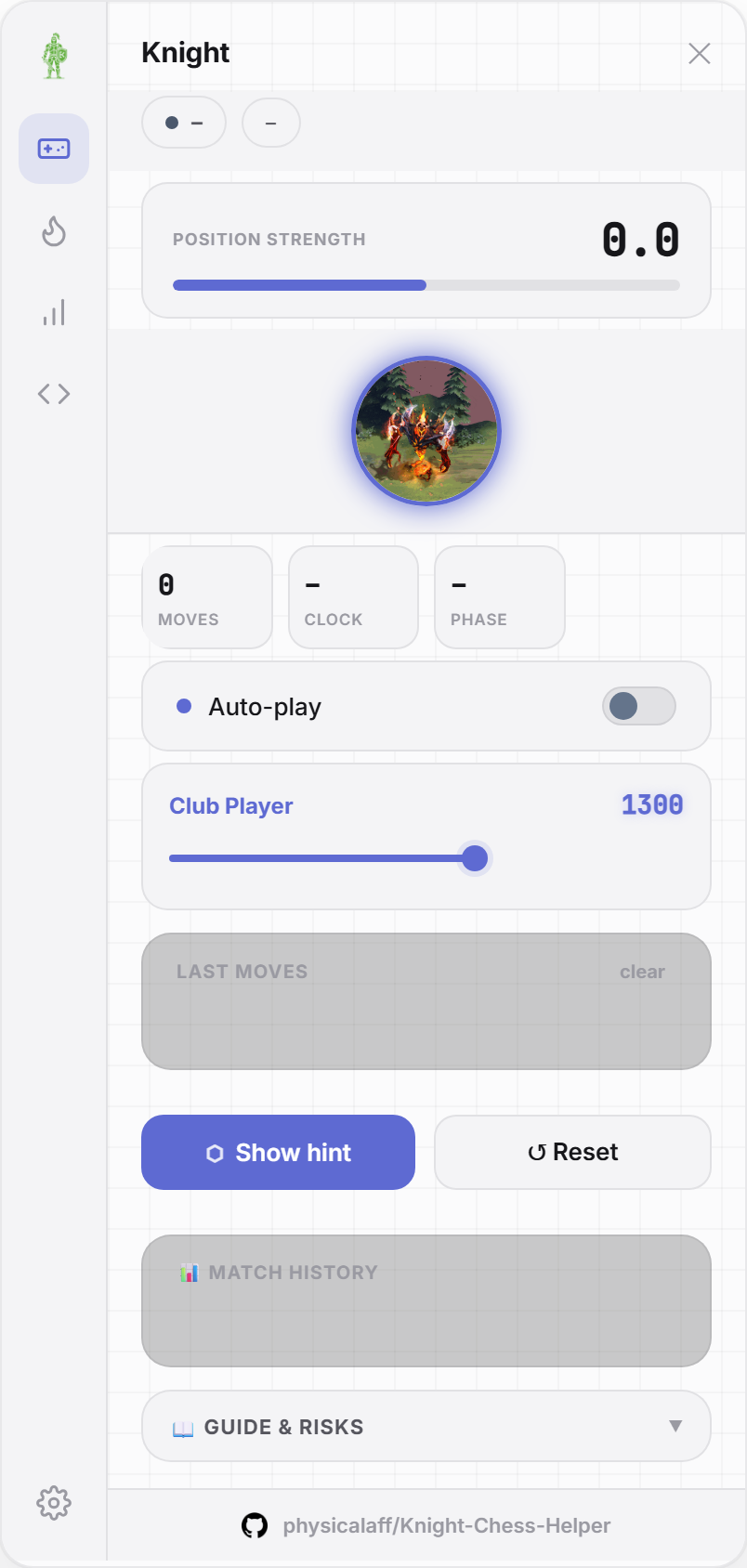
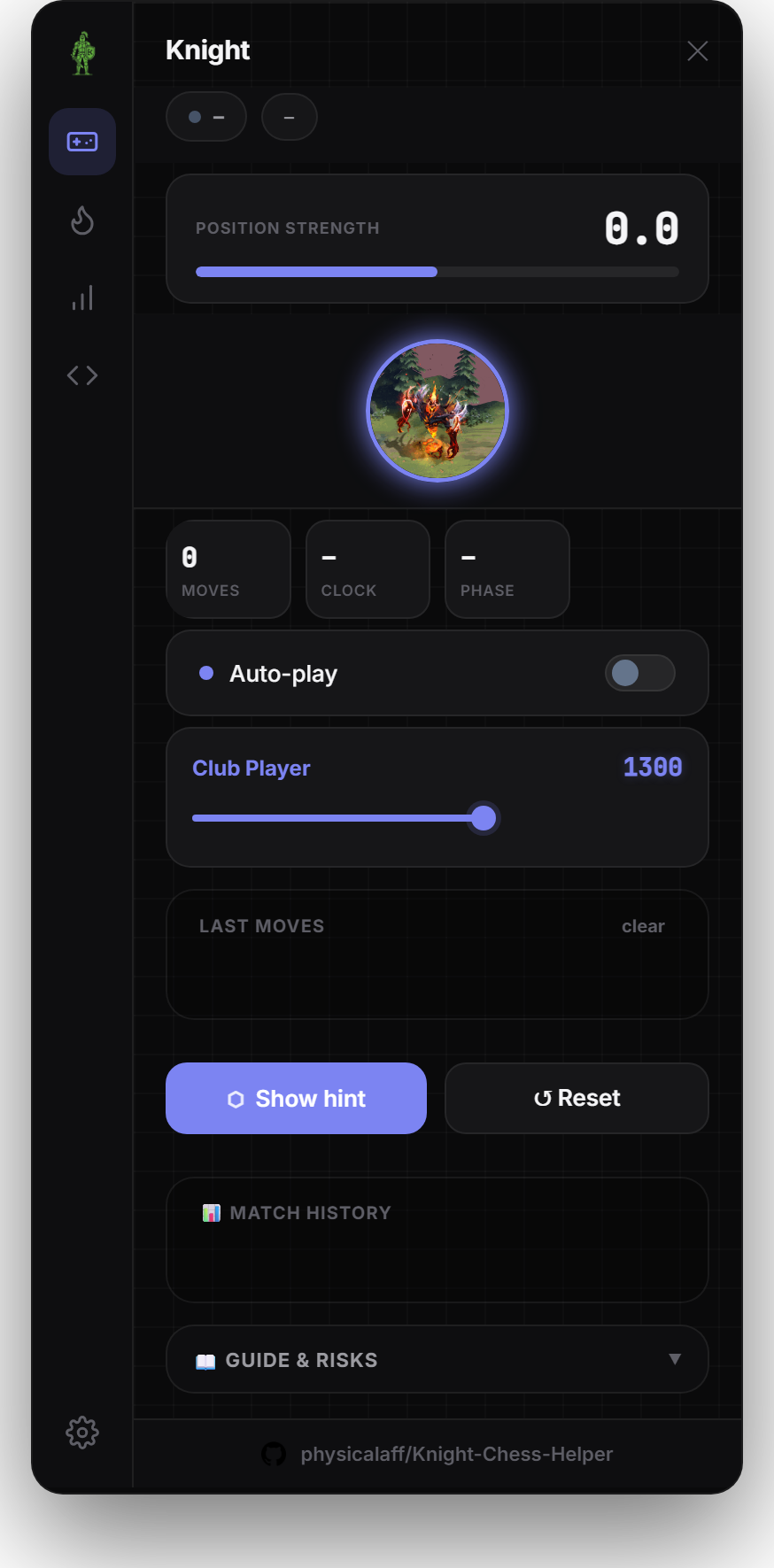
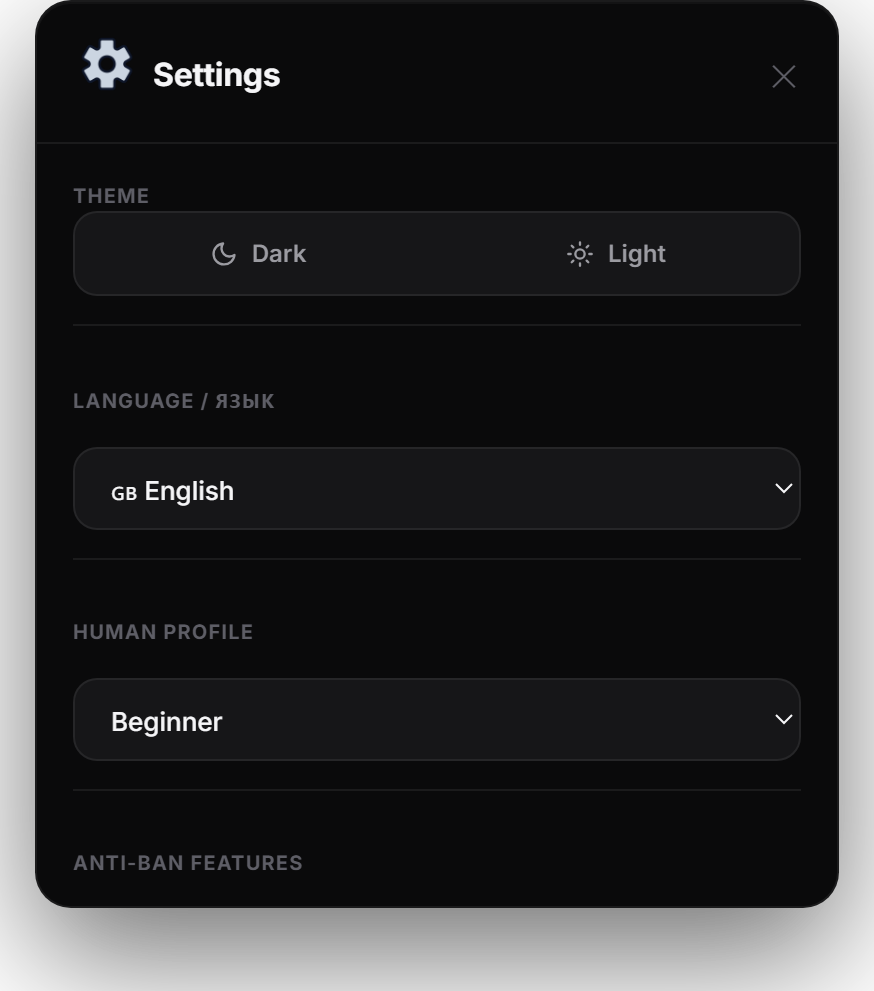
One panel, sensibly arranged. Pick a theme and language, set an ELO profile, then let the engine do the rest.
Install
Knight ships as an unpacked extension for Chromium browsers — Chrome, Edge, Brave. Firefox support is experimental.
FAQ
Yes — Knight is free and open source under the MIT license. You can read, build and modify every line.
Completely. Stockfish is compiled to WebAssembly and runs in your browser. After install, analysis works with no connection and nothing is ever sent to a server.
Knight is built for analysis, study and post-game review. Please don’t use it to gain an unfair advantage in live games against other people — that breaks Chess.com’s rules and isn’t what it’s for.
Any Chromium browser — Chrome, Edge, Brave. Firefox support is experimental for now.
The engine runs in a separate offscreen worker, so the page stays responsive. You can dial the strength and timing to taste in settings.
Download the newest release, replace the folder, and press reload on the extensions page. Your settings stay put.
Free, open source, and entirely local. Install Knight and start studying smarter.
Built for analysis, study and review — please don’t use it to gain an unfair advantage in live games.